

Tutorial for FoundationStereo with Isaac Sim#
This tutorial walks you through a graph to estimate depth with stereo images from Isaac Sim using FoundationStereo or Fast-FoundationStereo.
Tutorial Walkthrough#
Install and launch Isaac Sim following the steps in the Isaac ROS Isaac Sim Setup Guide.
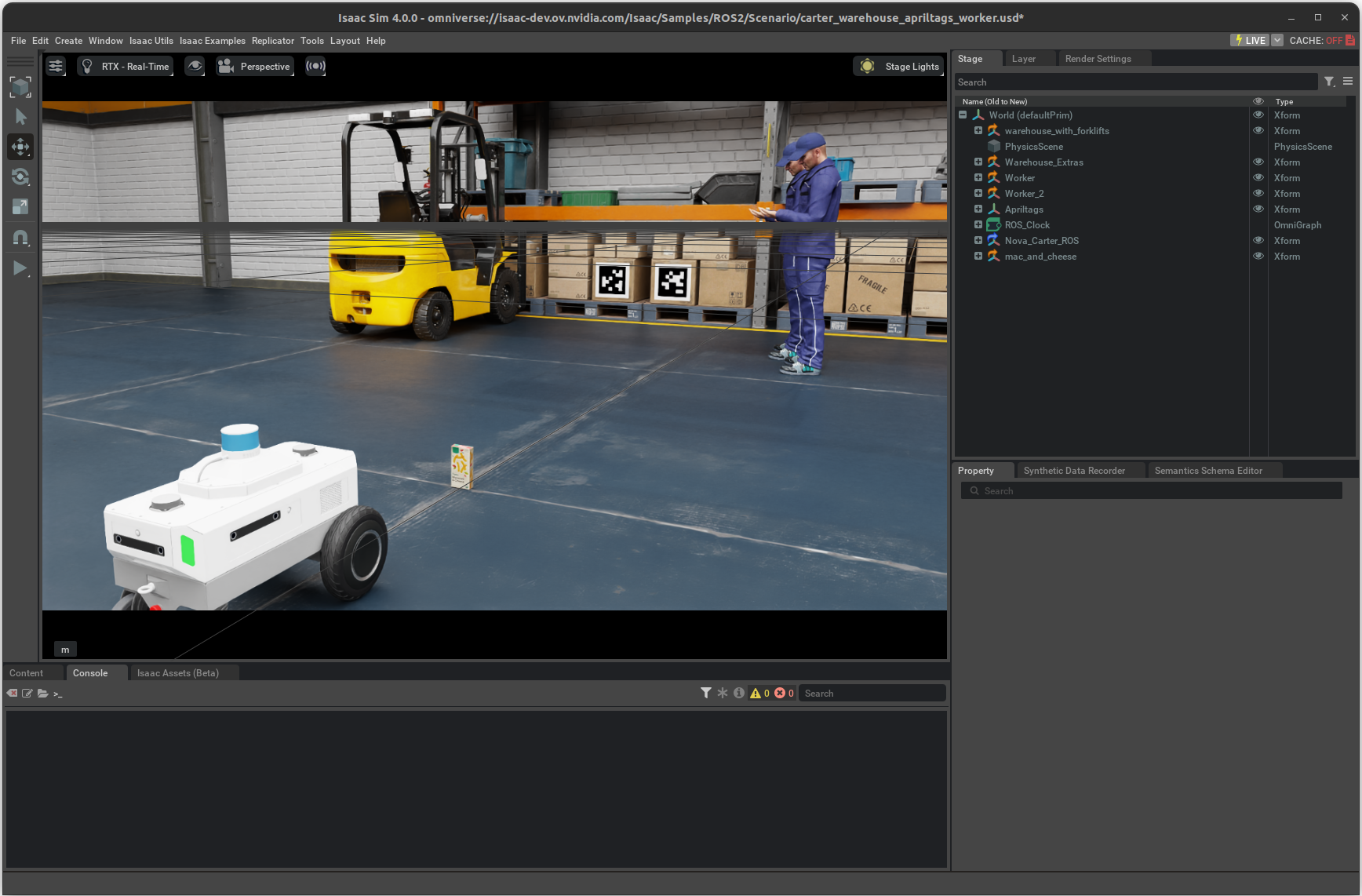
Press Play to start publishing data from the Isaac Sim.
Complete the
isaac_ros_foundationstereoquickstart.
Note
Use the FoundationStereo model for the quickstart.
Open a new terminal and attach to the container:
isaac-ros activateInstall
rviz2(required for the launch file visualization):sudo apt-get install -y ros-lyrical-rviz2
Source the setup file.
source /opt/ros/lyrical/setup.bash
In the terminal, start the
isaac_ros_foundationstereonode using the launch files:ros2 launch isaac_ros_foundationstereo isaac_ros_foundationstereo_isaac_sim.launch.py \ engine_file_path:=${ISAAC_ROS_WS:?}/isaac_ros_assets/models/foundationstereo/deployable_v2.0/foundationstereo_576x960.engine
ros2 launch isaac_ros_foundationstereo isaac_ros_foundationstereo_isaac_sim.launch.py \
   engine_file_path:=${ISAAC_ROS_WS:?}/isaac_ros_assets/models/foundationstereo/deployable_v2.0/foundationstereo_320x736.engine \
   model_input_width:=736 model_input_height:=320
ros2 launch isaac_ros_foundationstereo isaac_ros_foundationstereo_isaac_sim.launch.py \
   engine_file_path:=${ISAAC_ROS_WS:?}/isaac_ros_assets/models/fast_foundationstereo/fast_foundationstereo_576x960.engine
ros2 launch isaac_ros_foundationstereo isaac_ros_foundationstereo_isaac_sim.launch.py \
   engine_file_path:=${ISAAC_ROS_WS:?}/isaac_ros_assets/models/fast_foundationstereo/fast_foundationstereo_320x736.engine \
   model_input_width:=736 model_input_height:=320
The launch file will automatically open RViz configured to display:
The 3D point cloud generated from the disparity output (
/points2)The left and right stereo camera images
Note
If the simulator publishes frames faster than FoundationStereo can run inference, you may see dropped or out-of-sync frames and stalled output. To throttle in simulation, lower the camera publish rate in the Isaac Sim scene’s Action Graph (OmniGraph) — for example, reduce the ROS2 Camera Helper publish frequency or the simulation rendering rate.
Optionally, you can run the visualizer script to visualize the disparity image:
ros2 run isaac_ros_dnn_stereo_decoder isaac_ros_dnn_stereo_visualizer.py