

Tutorial with Isaac Sim#
Overview#
This tutorial demonstrates how to perform depth-camera based
reconstruction using the disparity_node and stereo image pairs
streamed from Isaac Sim.
Tutorial Walkthrough#
Complete the
isaac_ros_stereo_image_procquickstart.Install and launch Isaac Sim following the steps in the Isaac ROS Isaac Sim Setup Guide.
Activate the Isaac ROS environment and install
rviz2:isaac-ros activatesudo apt-get install -y ros-jazzy-rviz2
Source the setup file.
source /opt/ros/jazzy/setup.bash
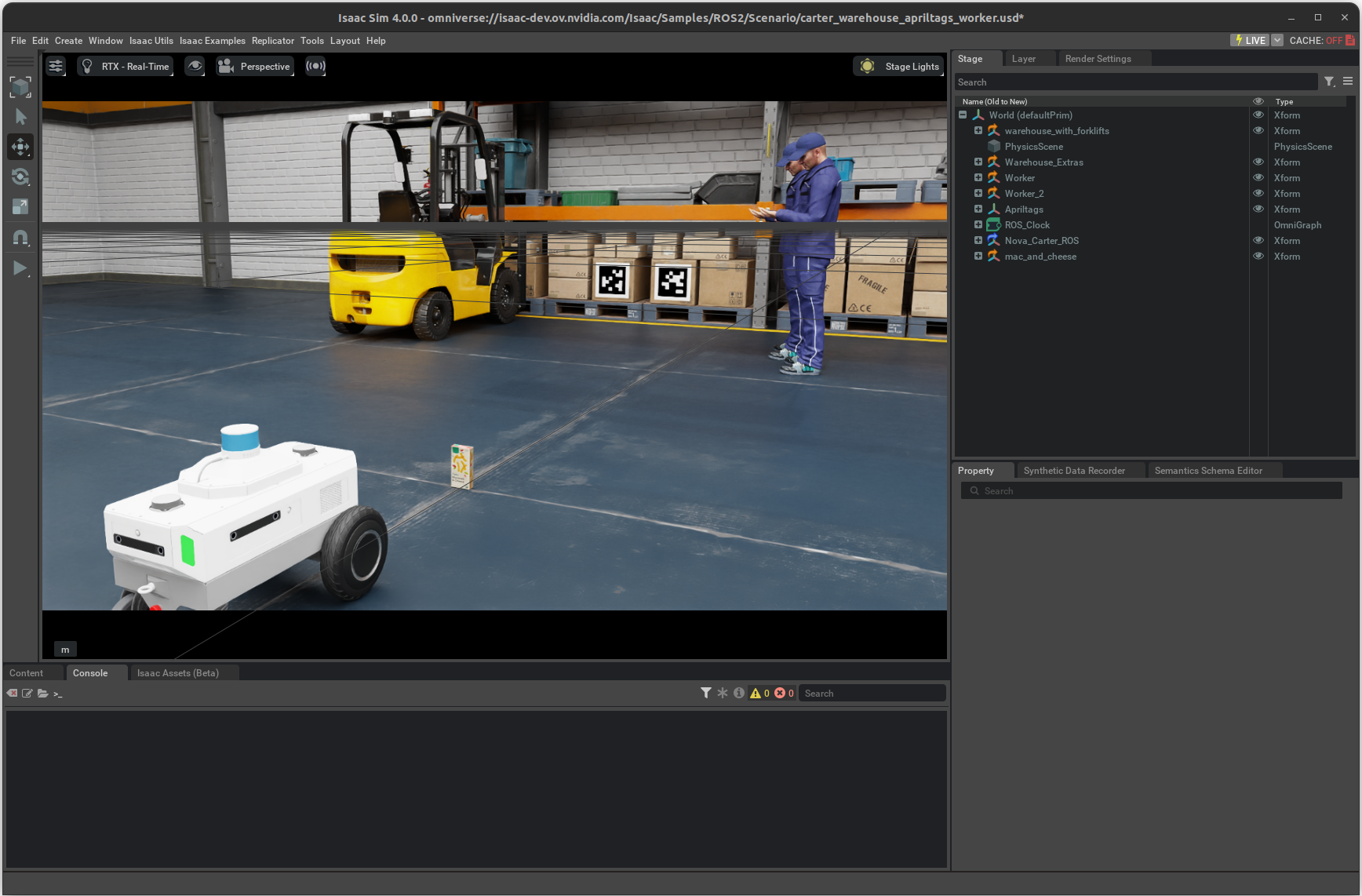
Press Play to start publishing data from the Isaac Sim.
In a separate terminal, start the
isaac_ros_stereo_image_procgraph using the launch files:ros2 launch isaac_ros_stereo_image_proc isaac_ros_stereo_image_pipeline_isaac_sim.launch.py
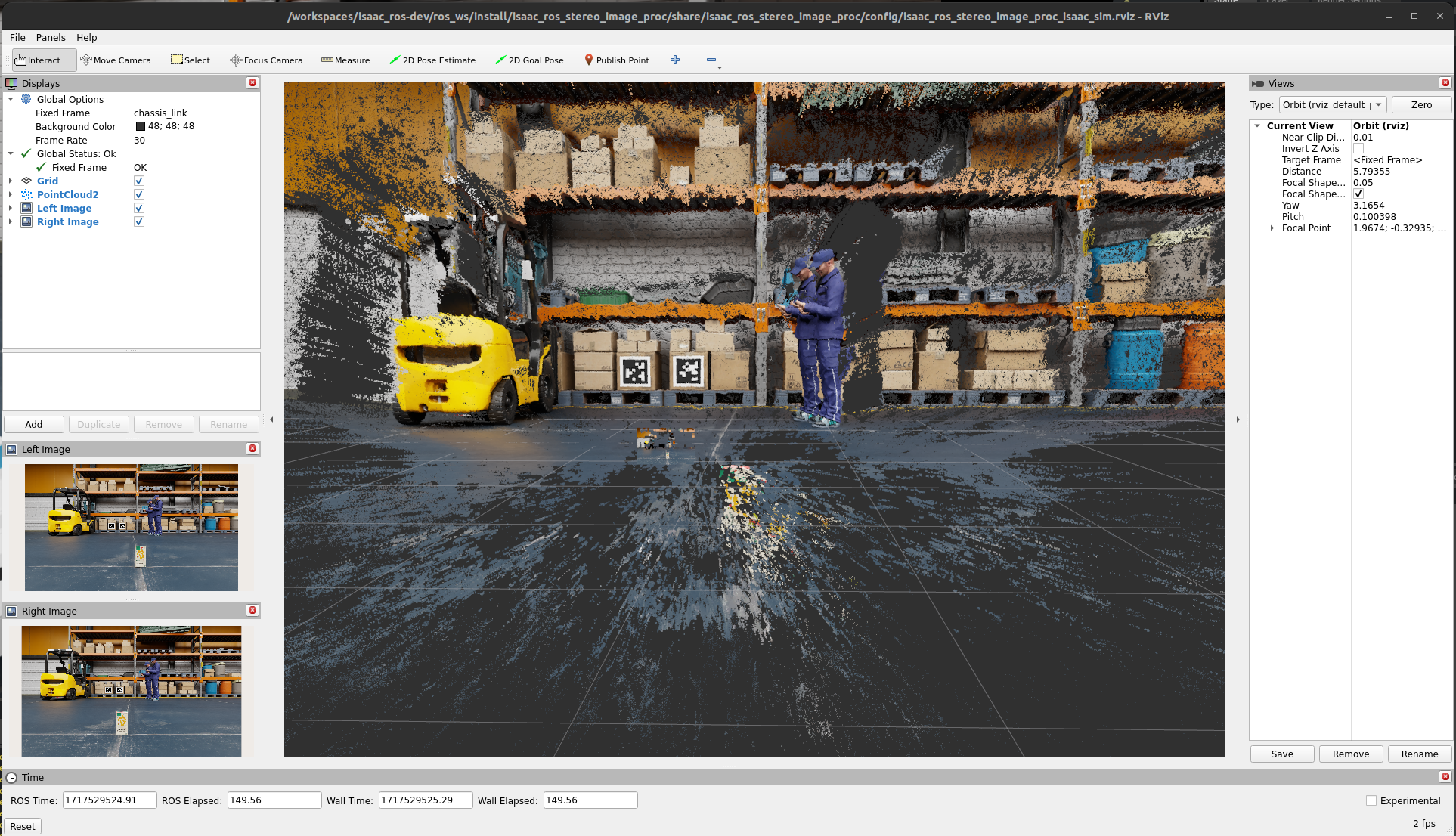
You should see a RViz window, as shown below: